Practice sessions
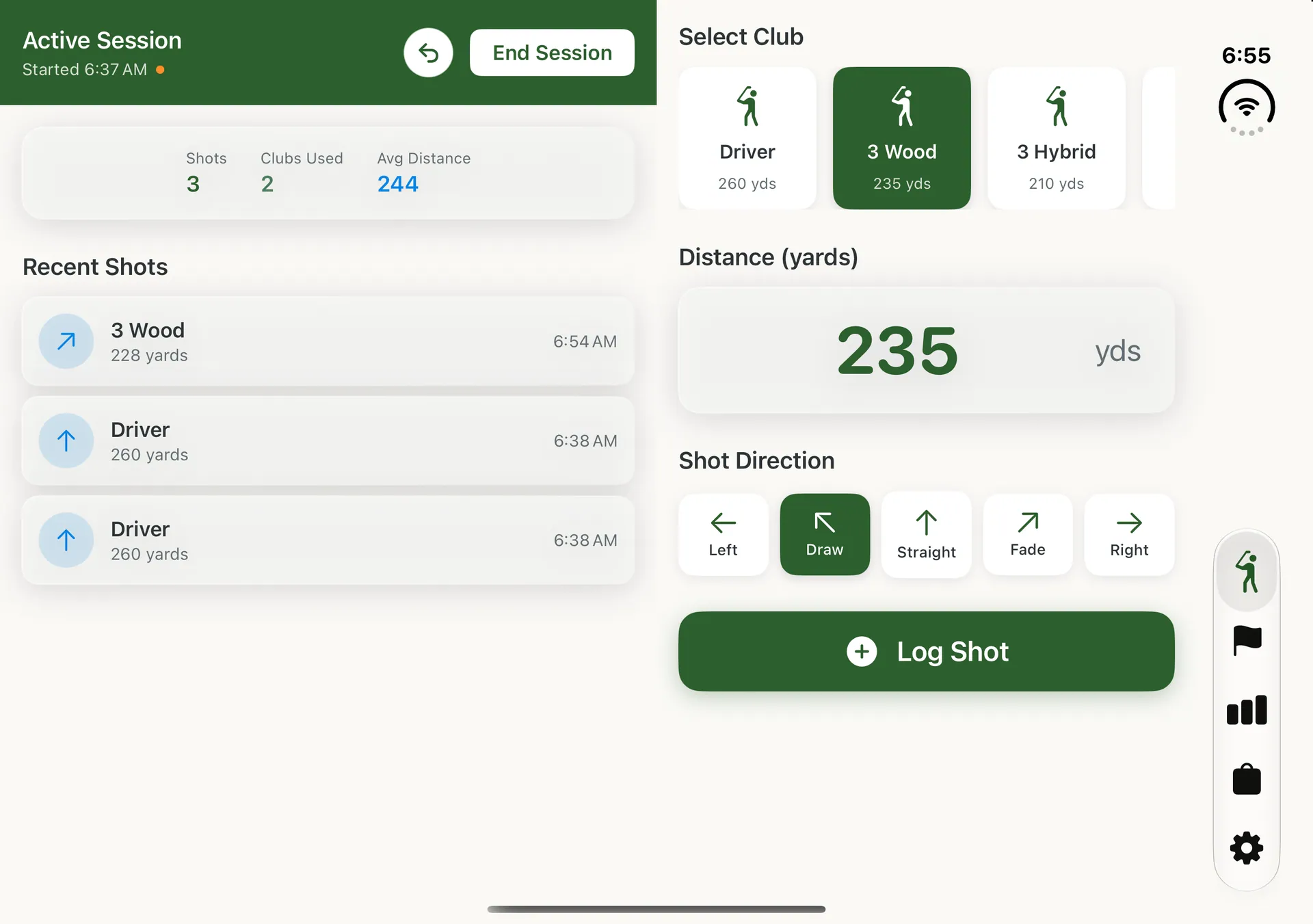
Your session totals and recent shots stay on the left page while you pick the next club, set the yards and choose the shape on the right.
New Range Rally 1.1
Range Rally fills both displays. Unfold for two pages at the range, fold to keep playing on the outer display, and never lose what you entered in between.
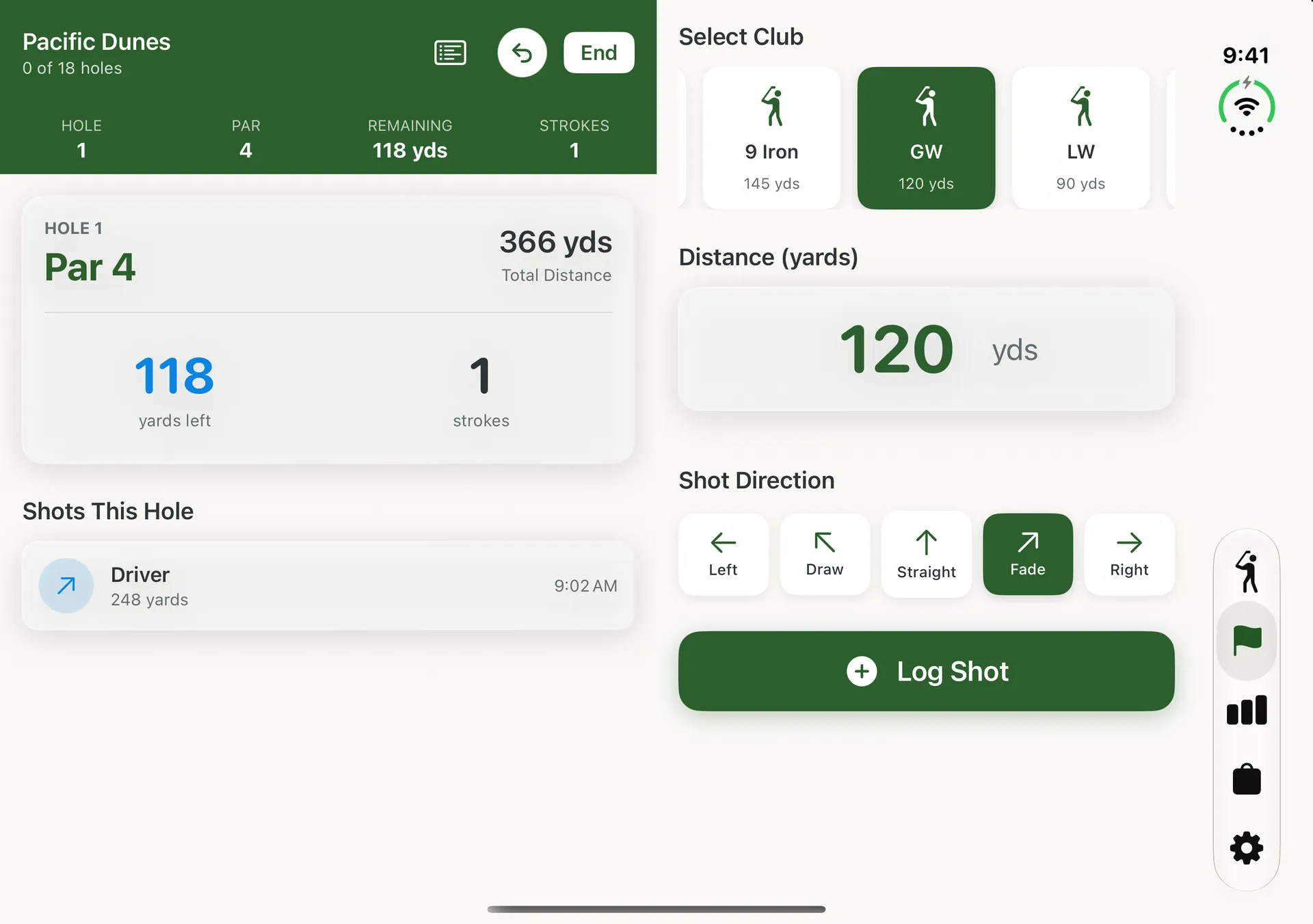
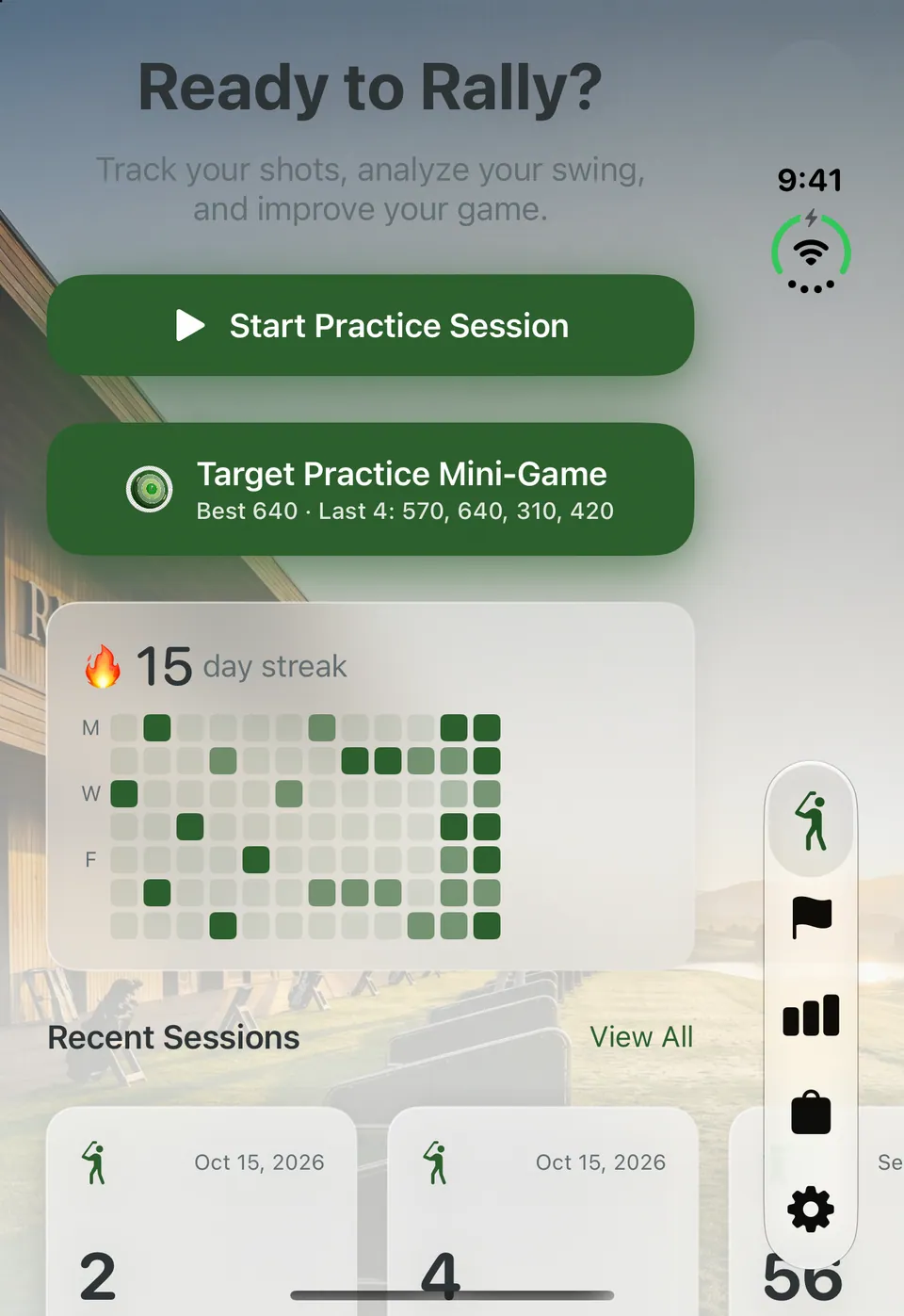
Fold and unfold
Start on the outer display, unfold when you want room, and fold it again before your next swing.
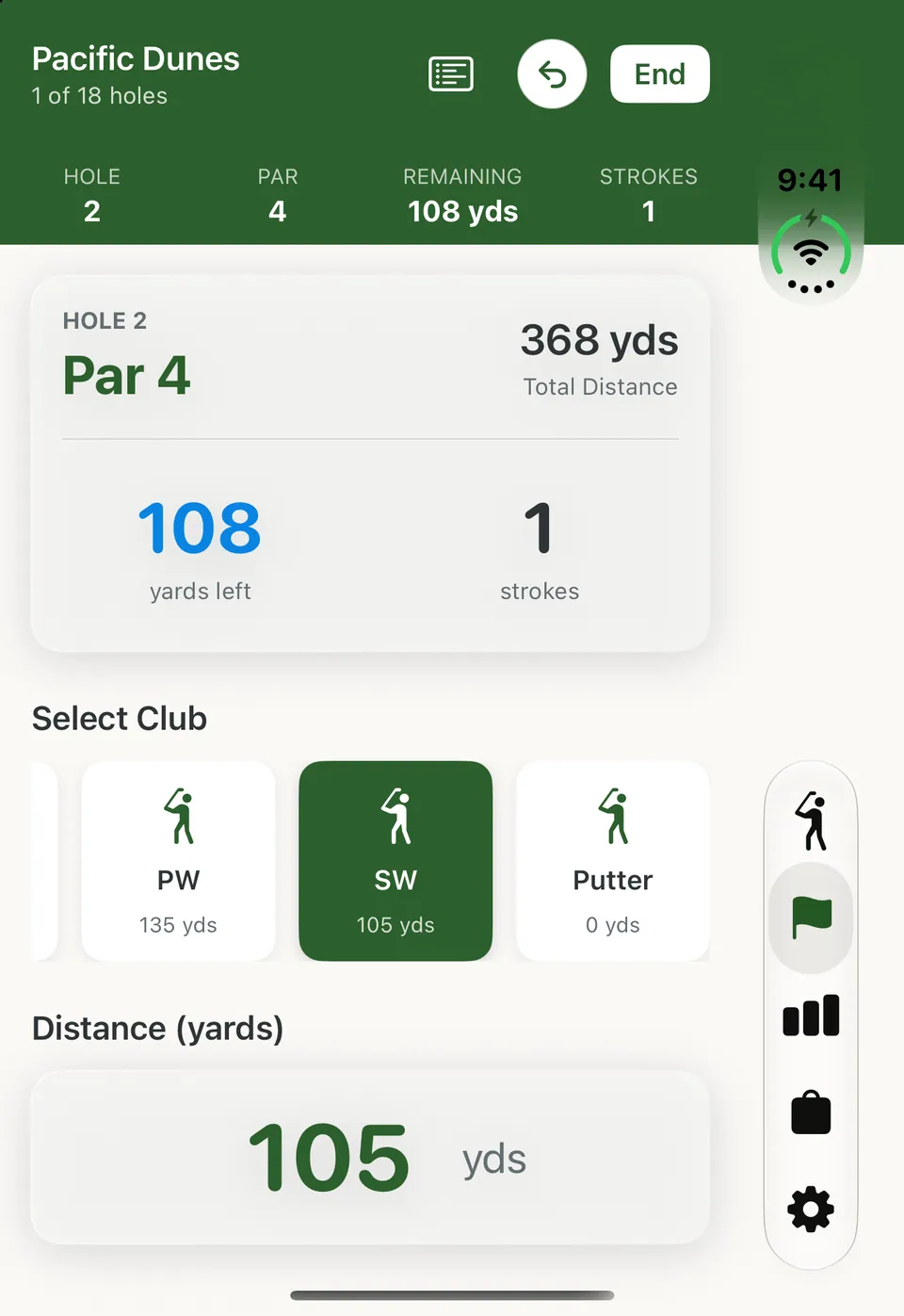
Play a full round on the outer display, with the tab bar running down the side.
The hole, yards left and your shots on the left page. Club, yards and shot shape on the right.
The club you picked and the yards you typed stay put, mid‑hole or mid‑game.
Two-page active screens
During a practice session, a round or a Target Practice game, the fold becomes the line between what you’ve done and what you’re about to hit.
Your session totals and recent shots stay on the left page while you pick the next club, set the yards and choose the shape on the right.
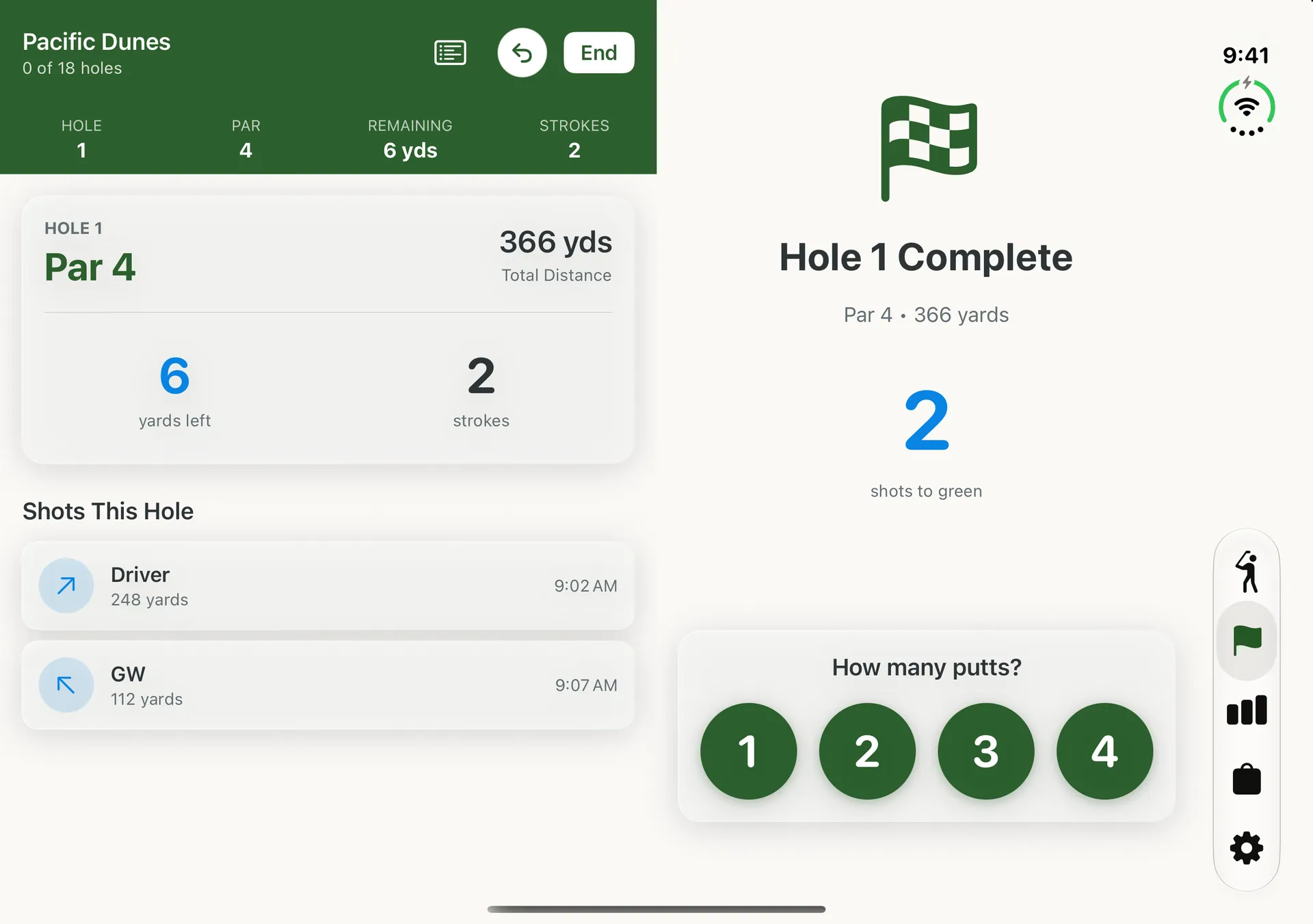
Hole, par, yards left and every shot on the left. Shot entry on the right, and when you reach the green, the putt count.
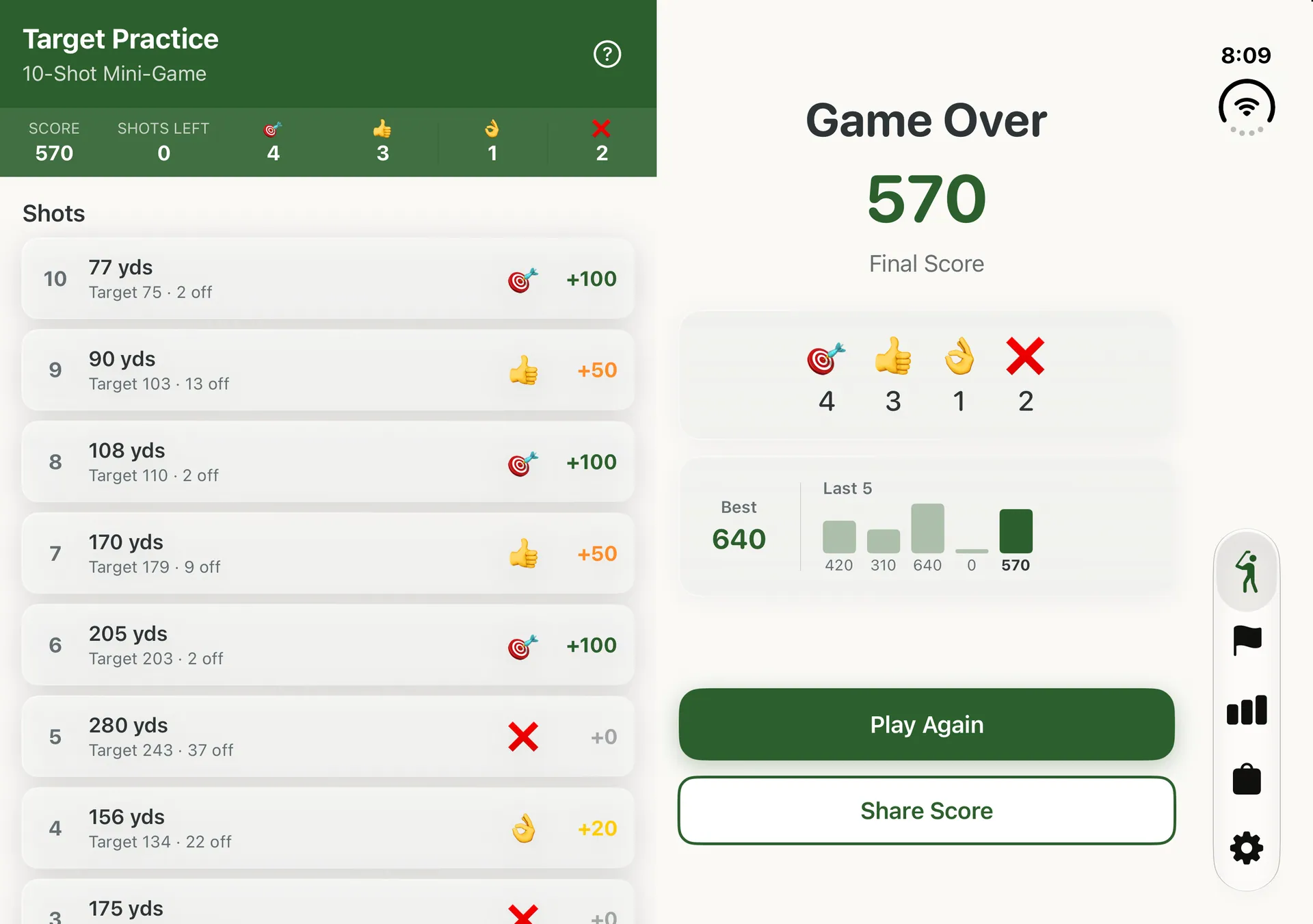
Each shot of your game, target vs. actual and the points it earned, beside your final score, your best and your last five games.
Lists and details
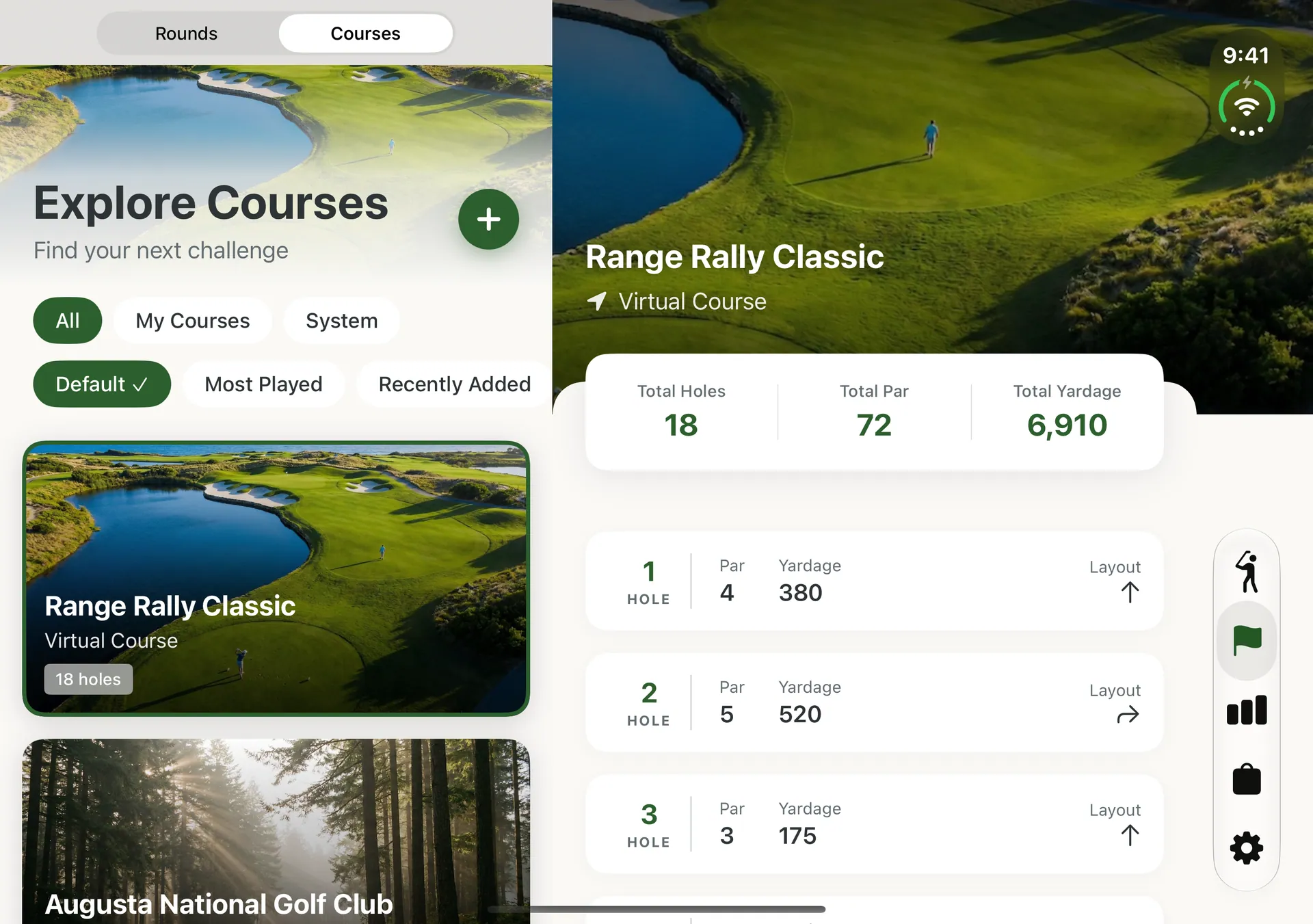
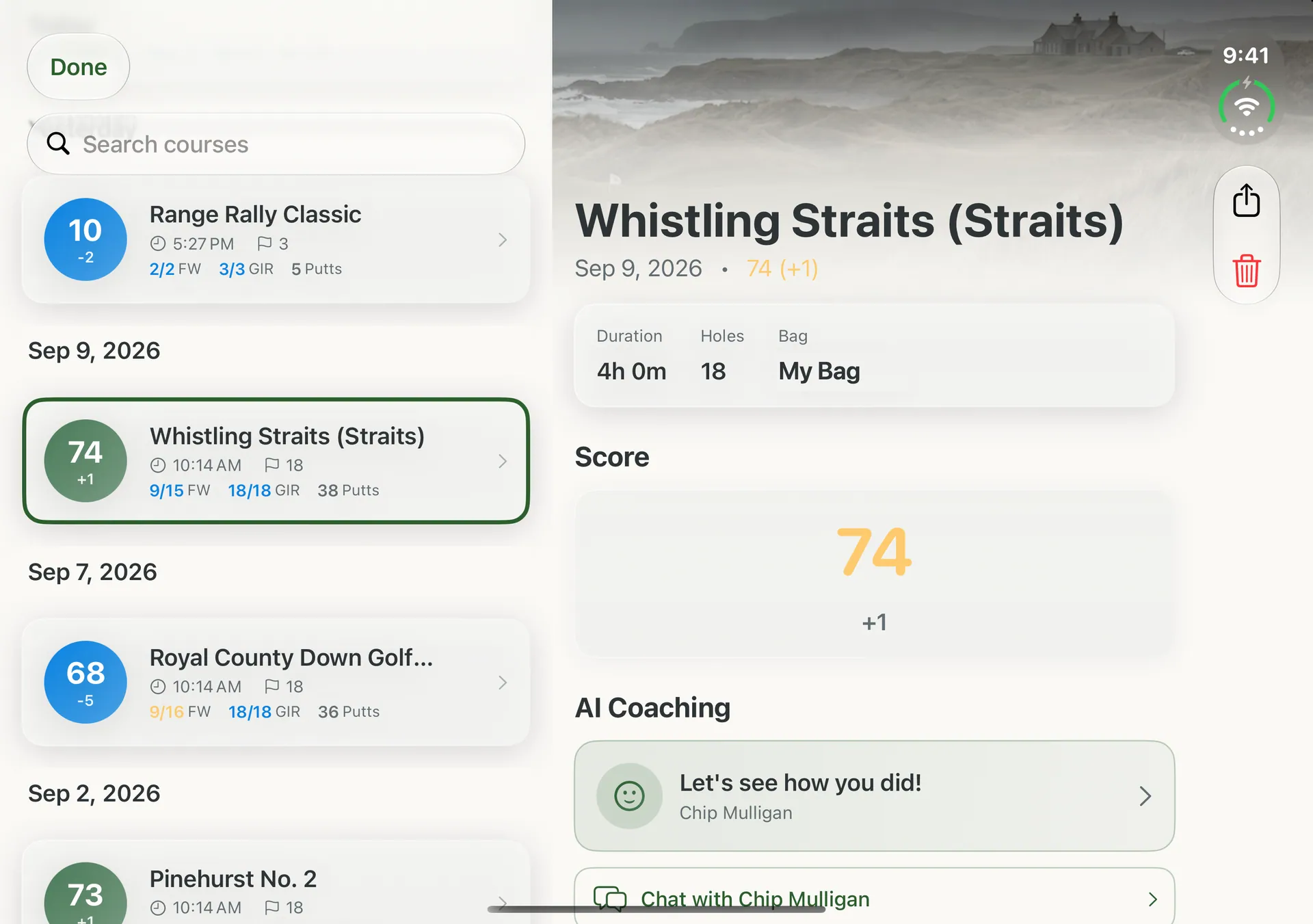
Courses, bags, and your session and round history open side by side, so you can move through a list without losing your place.
Outer display
The whole app runs on the outer display, with the tab bar down the side so the screen stays clear for your stats.
The same two-page session, round and Target Practice screens come to iPad, split into equal halves, along with side-by-side lists and details.
Range Rally 1.1 or later. Update from the App Store if you see the older single-page layout.
No. The iPhone Duo layouts are free for everyone. Premium unlocks other features, such as the full course library and AI coaching chat.
Yes. Sign in to iCloud with the same Apple Account and Range Rally syncs your data through your private iCloud database. If you own Premium, tap Restore Purchase in Settings.
Yes. The watch app pairs with Range Rally on iPhone Duo the same way it does with any iPhone.